
Research
Get to know the area by looking at other pictures, google street view etc shots. Look for opportunities for different shots like maybe a viewing position, boat trip etc. You can then schedule time in to visit these spots.
Getting to know your camera before you travel
Take pictures in different situations so you don’t spend time funding through settings. If your camera supports it, try some low light pictures, as these can be the trickiest.
Obey the law of thirds (Sometimes)
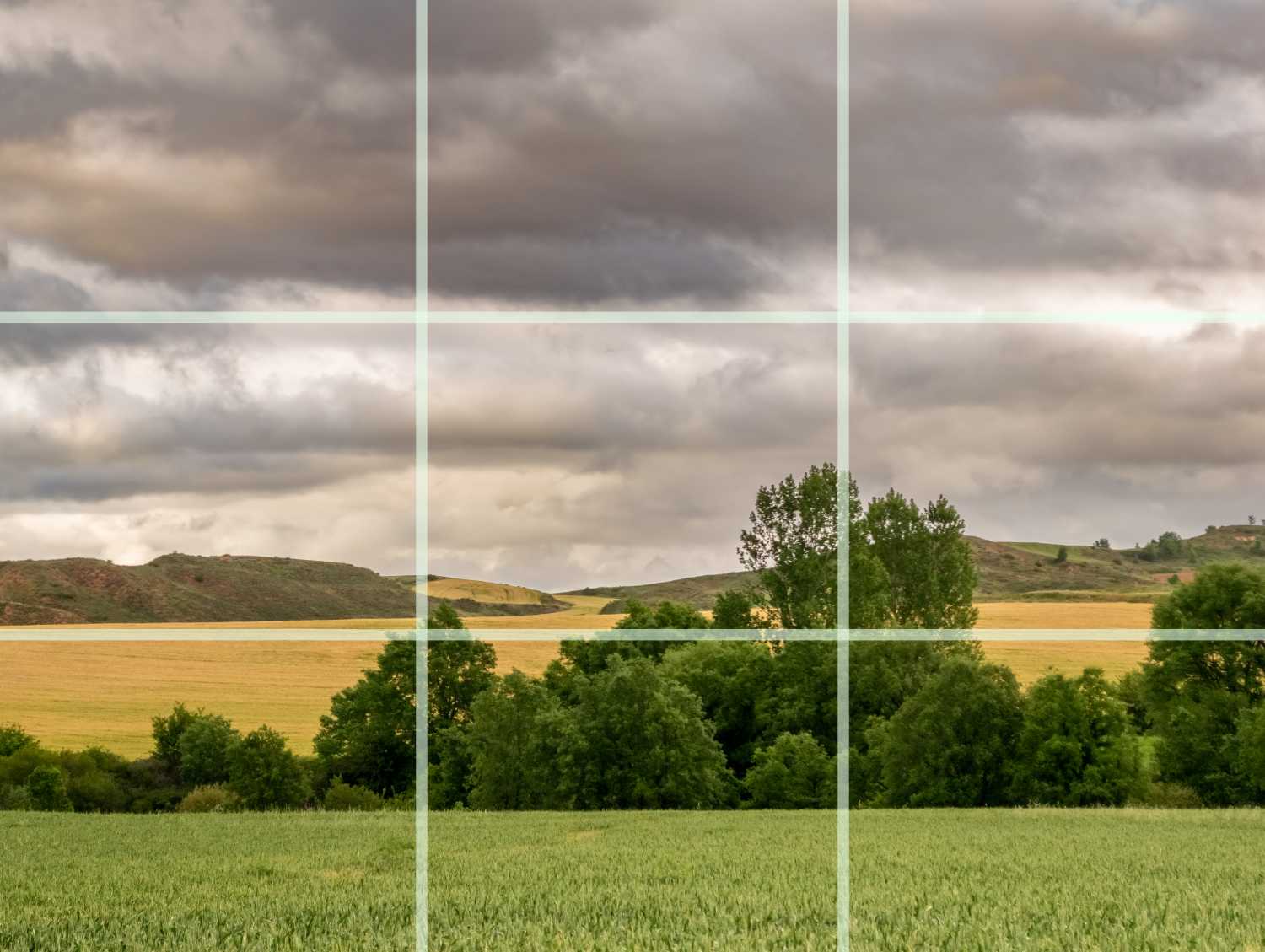 The rule of thirds is a composition guideline where you mentally split an image into 9 equal rectangles by creating 2 horizontal and 2 vertical lines equally positioned. The aim is to place key elements along these lines or intersection points, rather than being in the centre. This technique will create a more balanced, engaging and visually appealing image and naturally guiding the viewer’s eye around the scene.
Get a different prospective
Rather than the same eye level picture, get down low to the ground, up high and (if possible) point the camera straight down (birds eye).
Be Patient
Like waiting for the planets to align, obtaining the best picture is a matter of time and patience. It’s more than just pressing a button but anticipating the subtle shifts in light, the expressions on peoples faces or the perfect position of the swan in a lake.
Dont be afraid to experiment!
That first picture is unlikely to be perfect, so take numerous pictures with slight adjustments in position or rotation to give you a few to pick from as maybe one of those will be your best shot.
Tweaking
Cameras aren’t perfect, once you’ve taken your picture, you might need to edit it. From subtle changes in white balance, cropping, rotation or even throw a filter over to add more creativity. Google photos or IOS photos (the two most popular photo apps) both offer basic editing options


